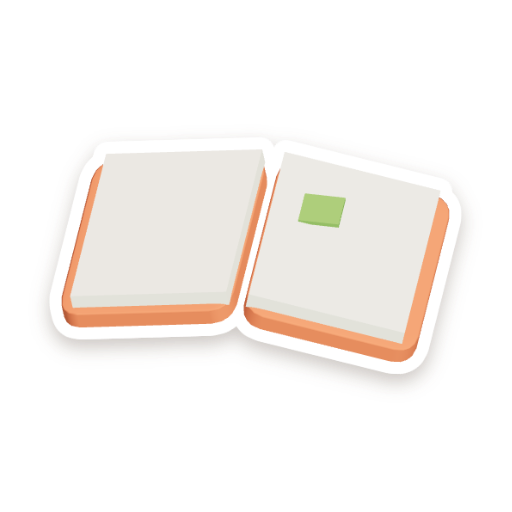
Island journal
Everything you've found, and a bar to the next surprise. Great for circle time.
 together
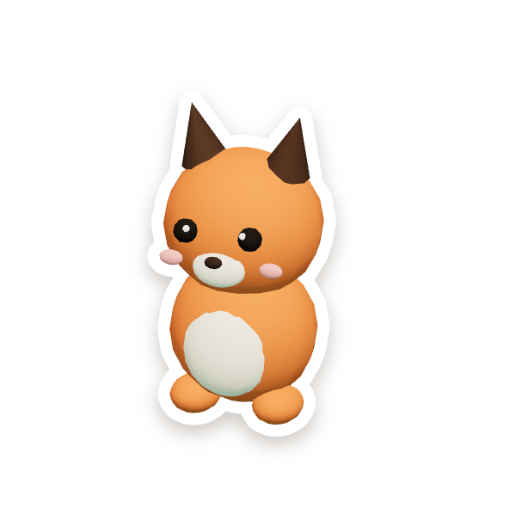
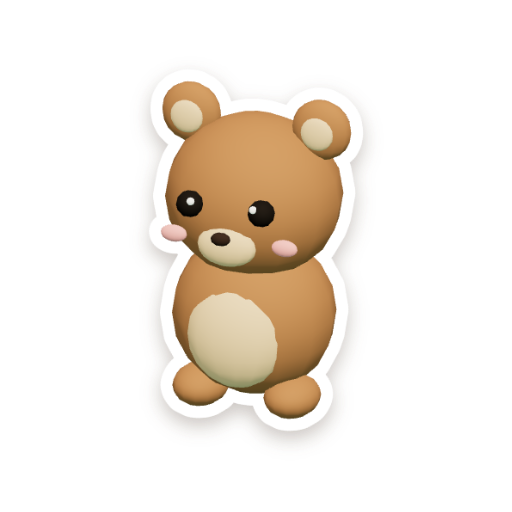
A free, cozy reward board for kindergarten. Give stars for kind hands and good listening, and your whole class grows one shared island on the big screen.
Loading the island…This is the real app with a pretend class. Nothing you do here is saved. To show you more, each star here jumps the island to its next find.
Every good choice shows up on the big screen, so students feel noticed and work as a team.
Mia
Leo
Zara
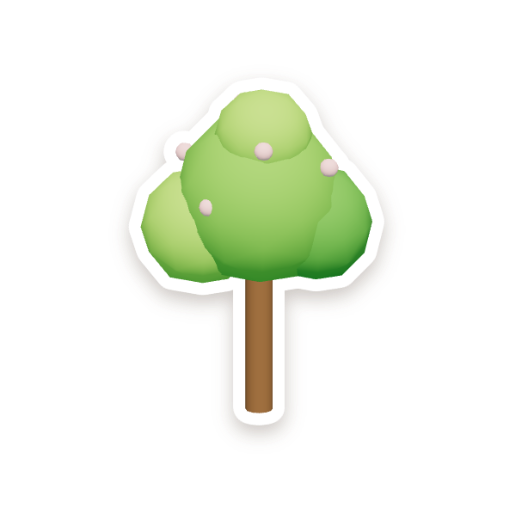
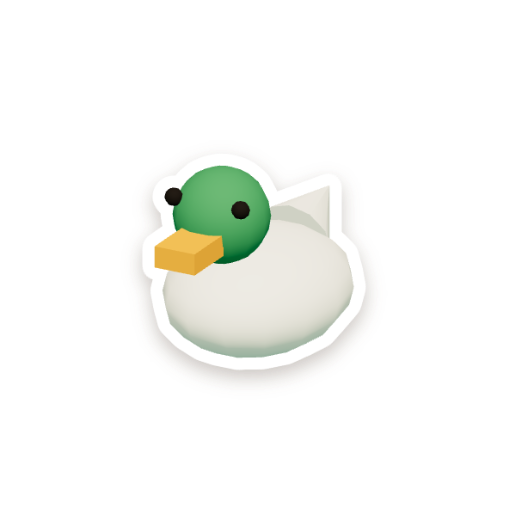

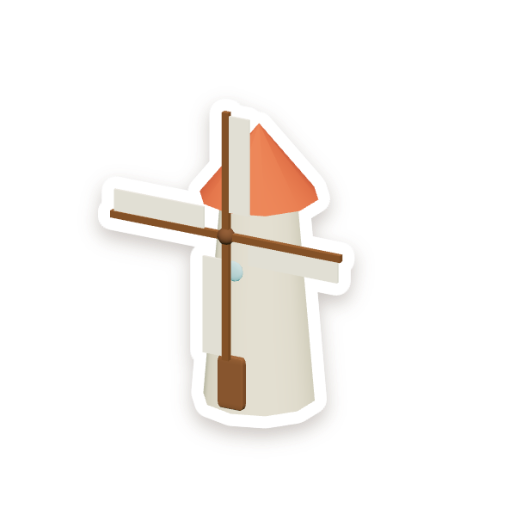


Open it on the classroom computer, put it on the big screen, and go. No sign-up.
Tap the name at the top. Let the students choose it together.
Paste a list of first names. Everyone gets their own animal.
Tap a student, then a reason at the bottom. Or press 1 to 9.
Tap the jar, pick a prize like a dance party, and how soon to fill it.
Pick 1, 3, 5 or 10 minutes. Finish early, press Done, and get bonus stars.
It starts the noise monitor: the island's sky shows how loud the room is. Nothing is recorded.
At the end of the day, open the journal and tap Pick a star for a Star of the day.
When the jar is full, have the prize. Then tap the jar for a new goal.
Everything you've found, and a bar to the next surprise. Great for circle time.

A fun random pick from the students who earned a star today.

Teacher view shows who hasn't had a star yet this week.
Tap the duck, the frog or the windmill and they say hello.
52 things to find, paced so the lantern festival lands near the end of the year.
Blossoms in spring, autumn leaves, snow in winter.
Each class has its own island and its own link to bookmark.
Calm visuals for the smartboard. Keys 1 to 9 give stars, F goes full screen.
No minus points, no rankings, and nothing about your students leaves the classroom computer.
There are no minus points. "Oops" undoes a mistake, but a hard moment never takes stars away.
First names or nicknames are enough. Nobody signs in.
No leaderboards. Everyone grows the same island together.

The microphone only measures how loud the room is, on your computer.
If stars come too fast, you get a friendly tip, not a lock.
Your classes are saved only in this browser. Download backups from the app home screen or class Settings to protect your students’ stars and island progress.
Yes. Open it and start. There's no sign-up and nothing to install.
Yes, that's what it's made for. Open it in the browser on your classroom computer and press F for full screen.
It's designed for kindergarten and works well up to about second grade.
About a school year with the usual 1 or 2 stars per reason. Something small appears almost every day, and something big every few days.
Yes. Each class gets its own island, and the home screen lets you pick today's class.
In the browser on the computer you use, with no cloud backup. Clearing site data can remove your classes. Download all your classes from the app home screen, or a single class from Settings → Backup. Keep a fresh copy after each school day. Restore that file on this or another computer to recover progress up to the time of the download.
Free for teachers. Ready in five minutes.